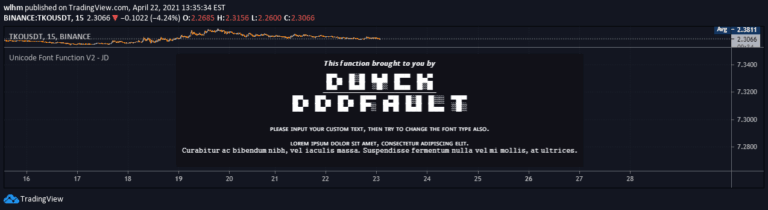
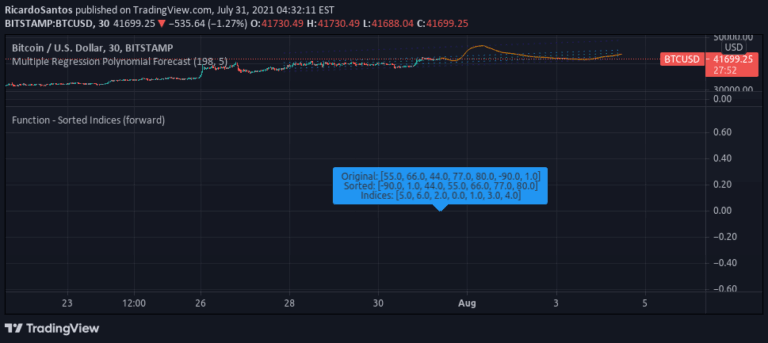
A Pinescript utility that allows text style conversion and character replacement in labels, enabling better formatting and monospaced text display for improved visual clarity.
Explore complementary indicator rolesHow it works
This script provides a workaround for Pinescript's font limitations by translating text strings into alternative character sets. It allows users to convert standard text into uppercase, bold, or italic characters.
The core mechanism involves character replacement, where each original character is mapped to a corresponding styled or monospaced alternative. Users can customize the character set by copy-pasting different Unicode characters into the designated section of the script
Why it may be useful
Improved text formatting is crucial for creating clear and professional-looking trading indicators. By enabling better text styling, traders can enhance label readability, create more organized layouts, and improve visual communication within their trading charts.
The ability to use monospaced fonts helps maintain consistent alignment and spacing, which is essential for presenting complex information in a clean and structured manner
When to explore it
This utility is most beneficial when creating complex trading indicators that require detailed label annotations. It is particularly useful for traders who need precise text formatting in their Pinescript indicators. The script can be applied in scenarios requiring multi-column layouts, detailed explanations, or visually distinct titles and subtitles within trading chart labels
Keep exploring
What we’ve verified
Access, alerts and repainting behaviour have not been independently verified for this indicator. Check the creator’s current publication and settings.
General descriptions and classifications are recovered research. Verified details above identify the specific checks we have completed. Check the creator’s current publication for later changes.