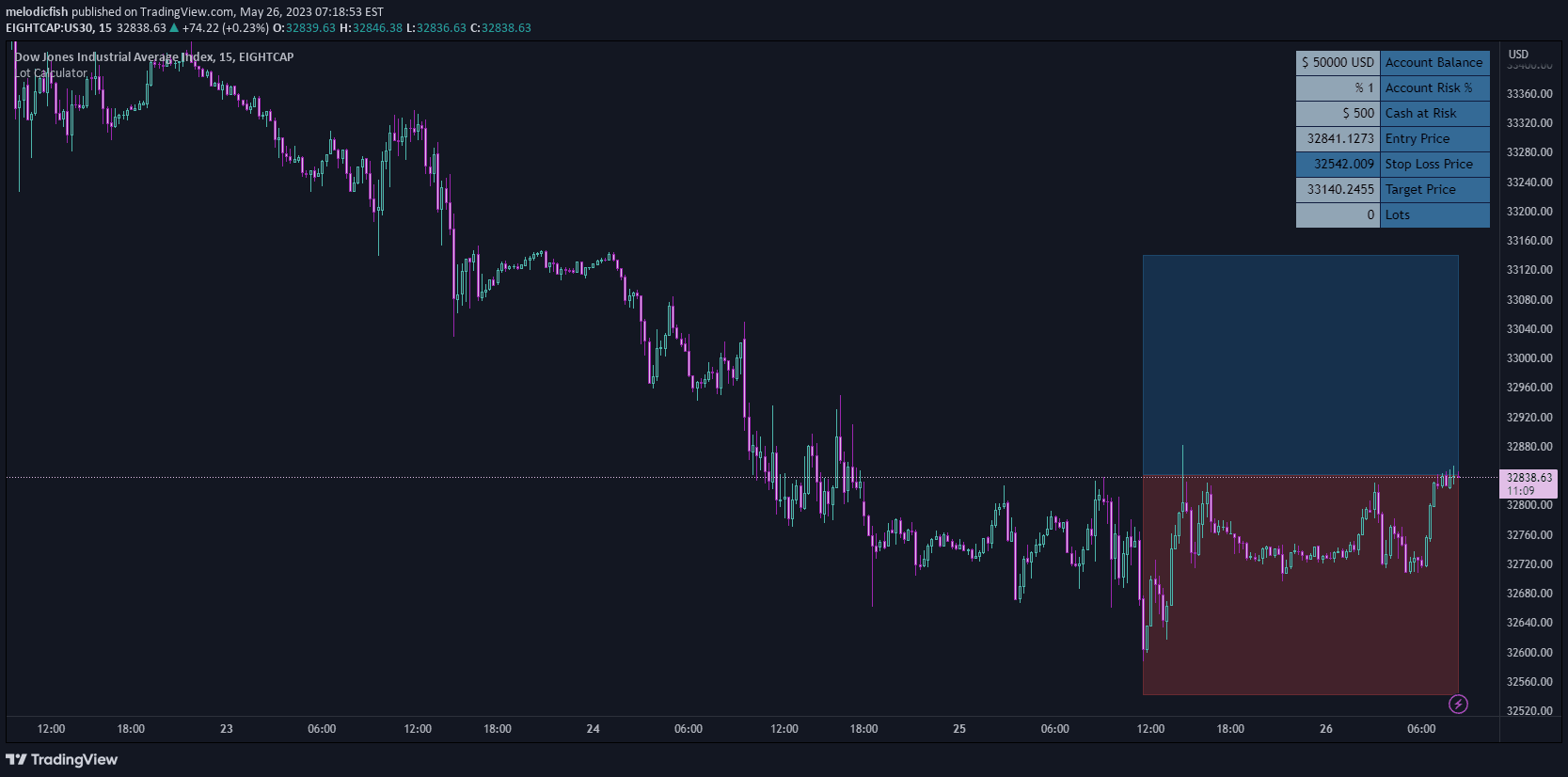
A TradingView indicator that automatically detects and displays futures contract lot sizes, providing instant visibility for traders switching between different market instruments.
Explore complementary indicator rolesHow it works
The Lot Size Info indicator operates by first scanning the current trading symbol to determine if it represents a futures contract. When a futures contract is identified, the tool retrieves and displays the corresponding lot size information in a compact, non-intrusive table positioned at the bottom-right of the chart.
The indicator's automated detection mechanism ensures that traders receive accurate lot size details without manual intervention. If no futures contract is available for the selected symbol, the indicator remains inactive, preventing any potential confusion or unnecessary display of irrelevant information.
Why it may be useful
Traders require precise lot size information to manage risk effectively and calculate position sizing accurately. By providing instant visibility into futures contract specifications, this indicator eliminates the need for manual research and reduces the potential for trading errors related to contract size misunderstandings.
The tool's streamlined design allows traders to quickly assess contract parameters without disrupting their analytical workflow. Its real-time updating capability ensures that traders always have access to the most current lot size information, supporting more informed and strategic trading decisions.
When to explore it
The Lot Size Info indicator is most valuable for futures traders who frequently navigate between different market instruments and require rapid access to contract specifications. It proves particularly useful for scalpers, day traders, and swing traders who need to quickly understand the lot size parameters of various futures contracts.
Traders transitioning between stock and futures charts will find this tool especially beneficial, as it provides immediate clarity on contract sizes without requiring additional research or manual lookup. The indicator's minimal, non-distracting interface makes it suitable for traders across different experience levels and trading styles.
Keep exploring
What we’ve verified
Access, alerts and repainting behaviour have not been independently verified for this indicator. Check the creator’s current publication and settings.
General descriptions and classifications are recovered research. Verified details above identify the specific checks we have completed. Check the creator’s current publication for later changes.