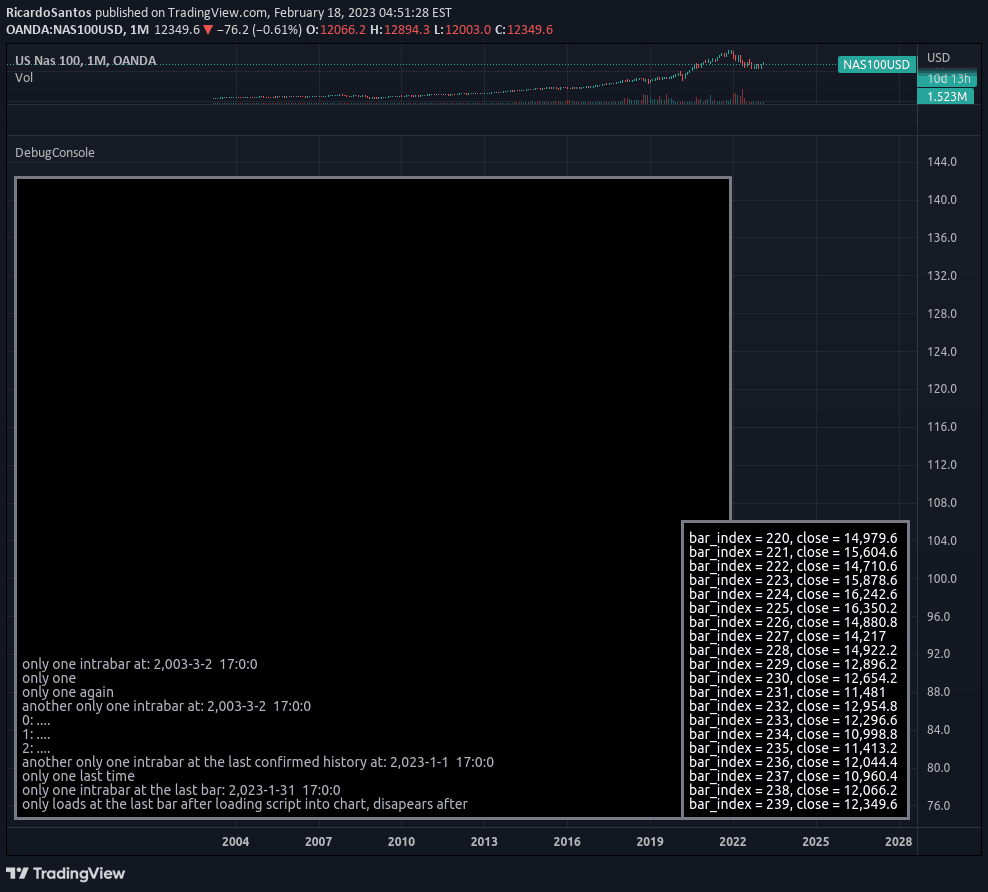
A debug console library designed for tracking and displaying console-like outputs in trading scripts, providing methods to initialize, queue, and update console text efficiently.
Explore complementary indicator rolesHow it works
The DebugConsole library operates through several key methods to manage console-like text displays. The init() method initializes the console properties by setting a specific line size, creating a table and string array. The queue() method allows regular line additions to the console, which repeat on each bar.
The queue_one() method enables single-time line additions without repetition. The update() method refreshes the console screen by updating the specified table with the configured console text, ensuring dynamic and real-time information display
Why it may be useful
Debug consoles are crucial for traders and developers to track script performance, monitor variable changes, and visualize complex trading logic. By providing a structured way to display information, this library helps developers understand script behavior, troubleshoot issues, and validate trading strategies.
The ability to dynamically update console text enables real-time insights into algorithmic trading processes, making complex scripts more transparent and easier to debug
When to explore it
Developers should use this DebugConsole library when building complex trading scripts that require detailed tracking and visualization of internal processes. It is particularly useful during script development, testing, and debugging phases.
The library is ideal for scenarios involving multiple conditional logic branches, tracking variable states, monitoring trade entry/exit conditions, and understanding algorithmic decision-making processes in trading strategies
Keep exploring
What we’ve verified
Access, alerts and repainting behaviour have not been independently verified for this indicator. Check the creator’s current publication and settings.
General descriptions and classifications are recovered research. Verified details above identify the specific checks we have completed. Check the creator’s current publication for later changes.