A custom Pine Script matrix function that converts 1D linear arrays into a 2D matrix structure, enabling advanced data manipulation and storage with built-in dimensional metadata.
Explore complementary indicator rolesHow it works
The matrix function transforms standard 1D Pine Script arrays into a 2D matrix with a two-value metadata header representing rows and columns. It allows precise data placement and retrieval using row and column coordinates.
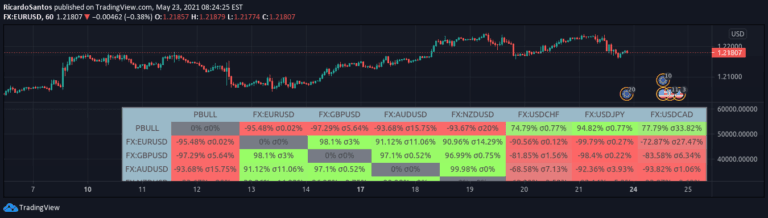
The structure supports complex data storage with nearly 20,000 potential rows and multiple columns. Specialized functions enable matrix initialization, value setting, data retrieval, and coordinate conversion. The matrix can dynamically add, remove, or manipulate rows and columns with intuitive methods
Why it may be useful
This matrix approach provides traders and developers with a more structured and flexible data management system in Pine Script. It simplifies complex data handling by offering intuitive coordinate-based access to multidimensional datasets.
The metadata header ensures each matrix carries its own dimensional information, eliminating the need for separate tracking files. Developers can create more sophisticated trading indicators and strategies with enhanced data organization and manipulation capabilities
When to explore it
This matrix function is ideal for developing advanced trading indicators requiring complex data storage and manipulation. It works best when dealing with multi-dimensional financial data like price history, technical indicator values, or custom signal tracking.
Traders building custom screeners, multi-timeframe analysis tools, or complex algorithmic trading systems will find this approach particularly useful. It provides a robust framework for managing large datasets with minimal computational overhead
Keep exploring
What we’ve verified
Access, alerts and repainting behaviour have not been independently verified for this indicator. Check the creator’s current publication and settings.
General descriptions and classifications are recovered research. Verified details above identify the specific checks we have completed. Check the creator’s current publication for later changes.